Security is often treated as something to configure after a ClickHouse® deployment is already serving queries. In practice, that approach leaves databases exposed to unnecessary risks such as unencrypted credentials, unauthorized access, and inconsistent user management.
ClickHouse® provides built-in capabilities to address these problems:
- SSL/TLS encrypts communication between clients and the server.
- LDAP integration centralizes user authentication by using an existing enterprise directory.
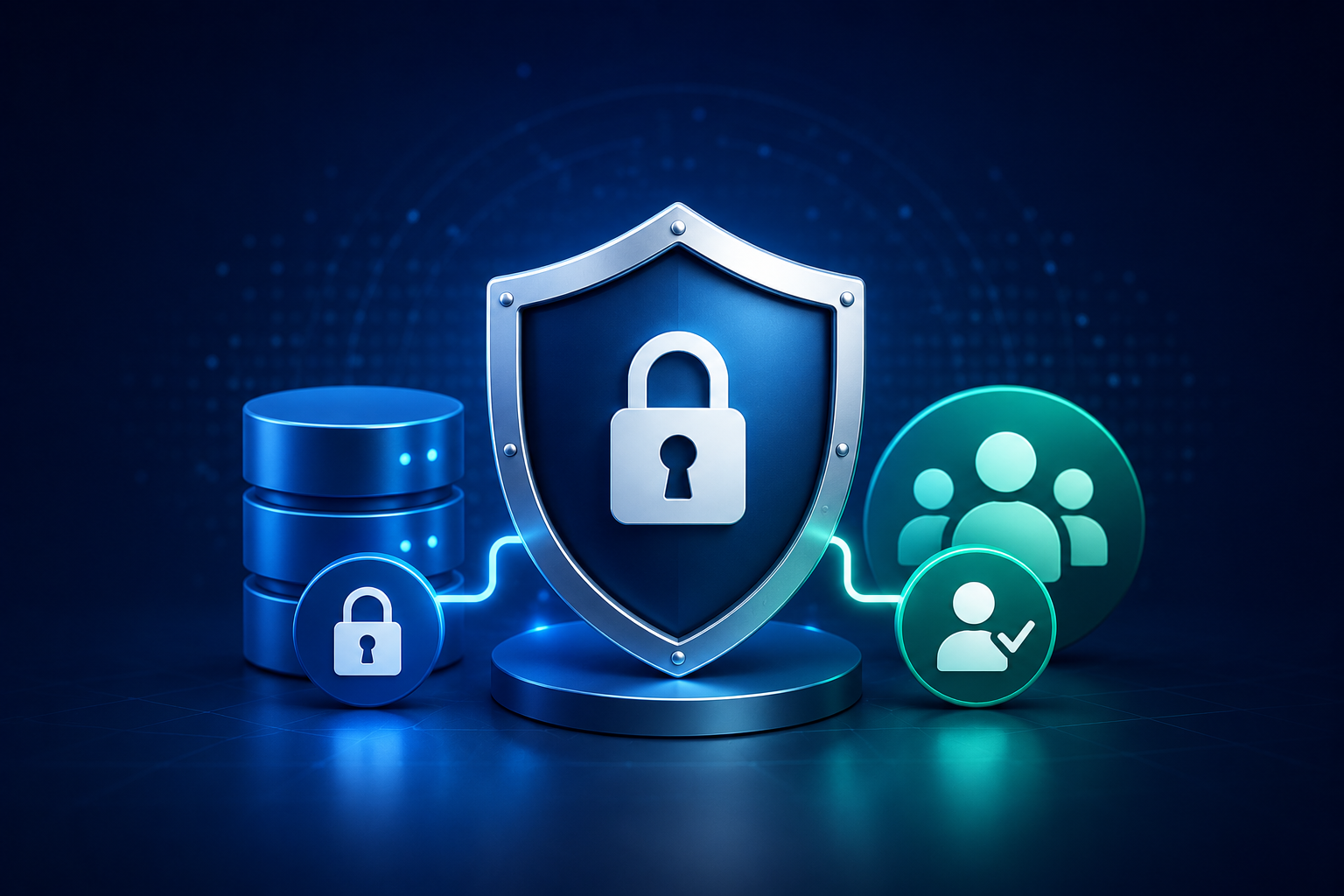
These features solve different problems and are commonly used together in production environments. SSL/TLS protects data while it is being transmitted, whereas LDAP determines whether a user is allowed to access the database.
This article explains what each feature does, when to use it, and the practical considerations before enabling them.
Why Security Matters in ClickHouse®
ClickHouse® is commonly deployed for:
- Business intelligence platforms
- Customer analytics
- Log analytics
- Observability
- Financial reporting
- Data warehousing
These systems often contain customer information, operational metrics, or business-critical data.
If client connections are not encrypted, usernames, passwords, and query results can potentially be intercepted by anyone with access to the network. Likewise, maintaining separate local users on every ClickHouse® server becomes increasingly difficult as teams grow.
The goal is simple:
- Encrypt every network connection.
- Authenticate users through a centralized identity system.
- Apply least-privilege access using ClickHouse® roles.
Understanding SSL/TLS in ClickHouse®
SSL (Secure Sockets Layer) and its successor TLS (Transport Layer Security) encrypt network communication between:
- Applications
- BI tools
- ClickHouse® clients
- Other ClickHouse® servers
Without TLS:
Client
   │
   ├──────── Username
   ├──────── Password
   ├──────── SQL Queries
   └──────── Query Results

Anyone on the network can potentially inspect this traffic.
With TLS enabled:
Client
   │
   └──── Encrypted Connection ───► ClickHouse® Server
Only the communicating parties can decrypt the traffic.
What SSL/TLS Protects
TLS protects data in transit.
This includes:
- Login credentials
- SQL queries
- Query results
- HTTP API traffic
- Native client traffic
- Inter-server communication (when configured)
It does not protect:
- Data stored on disk
- User permissions
- Access control policies
- Authentication logic
Those are handled separately.
Typical Production Flow
A secure production deployment usually looks like this:
BI Tool
      │
HTTPS/TLS
      │
Application
      │
TLS
      │
ClickHouse®
Every connection is encrypted before any authentication takes place.
Configuring TLS
A typical TLS deployment involves:
- Creating or obtaining server certificates.
- Configuring ClickHouse® to use those certificates.
- Configuring clients to trust the certificate authority (CA).
- Testing encrypted connectivity.
For production environments, certificates issued by an internal PKI or a trusted certificate authority are preferred over self-signed certificates. The ClickHouse® documentation recommends self-signed certificates primarily for testing and learning purposes.
Client Certificate Authentication
ClickHouse® also supports authenticating users with client certificates.
Instead of sending passwords, clients present an X.509 certificate during the TLS handshake.
Benefits include:
- Passwordless authentication
- Strong identity verification
- Reduced credential management
However, certificate authentication is supported only for the HTTPS and native ClickHouse® interfaces. It is not used for the gRPC interface or the PostgreSQL/MySQL compatibility ports.
Introducing LDAP
LDAP (Lightweight Directory Access Protocol) is a centralized directory service commonly used by organizations to manage user identities.
Instead of creating separate users inside every database, companies often maintain identities in systems such as:
- Microsoft Active Directory
- OpenLDAP
- Other LDAP-compatible directory services
Applications authenticate users against this central directory.
Why LDAP Is Useful
Imagine a company with:
- 600 employees
- 25 internal applications
- Multiple ClickHouse® clusters
Managing local users on every server quickly becomes difficult.
With LDAP:
- Users keep a single corporate account.
- Password policies remain centralized.
- Disabling an employee's directory account immediately prevents future authentication to ClickHouse®.
- Administrators avoid maintaining duplicate credentials across multiple systems.
How LDAP Works in ClickHouse®
ClickHouse® supports LDAP in two primary ways:
1. External Authentication
Local ClickHouse® users can authenticate using an LDAP server instead of a locally stored password.
User
   │
Username + Password
   │
ClickHouse®
   │
LDAP Server
   │
Authentication Result
2. LDAP User Directory
ClickHouse® can also use LDAP as a remote user directory, allowing users that are not locally defined in ClickHouse® to authenticate directly through LDAP.
LDAP Security Considerations
One important point is that LDAP authentication does not automatically encrypt traffic.
If an LDAP server is contacted over plain LDAP (ldap://), credentials travel without transport encryption.
ClickHouse® therefore supports secure LDAP connections using:
- LDAPS (
ldaps://) - StartTLS
The ClickHouse® server configuration supports options such as:
- Enabling TLS
- Minimum TLS protocol version
- Certificate verification
- CA certificates
- Client certificates
- Cipher suite selection
Using encrypted LDAP connections is the recommended production configuration. Plain LDAP is generally not recommended except in isolated testing environments.
SSL/TLS and LDAP Solve Different Problems
These technologies complement each other.
| Feature | Purpose |
|---|---|
| SSL/TLS | Encrypts communication |
| LDAP | Verifies user identity |
| ClickHouse® Roles | Controls permissions |
Think of it as:
TLS
↓

Creates a secure tunnel

↓

LDAP

Confirms who the user is

↓

ClickHouse® Authorization

Determines what the user can access
Production Best Practices
Based on the ClickHouse® documentation and common deployment practices, consider the following:
- Enable TLS for all client connections.
- Use certificates from a trusted certificate authority or your organization's PKI in production.
- Verify server certificates rather than disabling certificate validation.
- Use LDAPS or StartTLS when integrating with LDAP.
- Avoid transmitting credentials over unencrypted LDAP.
- Apply the principle of least privilege using ClickHouse® roles.
- Rotate certificates before they expire.
- Monitor authentication failures and certificate expiration dates.
- Test TLS and LDAP configuration changes in a non-production environment before rollout.
Common Misconceptions
"Enabling TLS secures the entire database."
Not entirely.
TLS encrypts network traffic, but it does not replace access control, backups, disk encryption, auditing, or proper user permissions.
"LDAP replaces ClickHouse® permissions."
No.
LDAP authenticates users.
Authorization-what users are allowed to do-is still managed within ClickHouse® using roles, privileges, quotas, row policies, and other access control mechanisms.
"Self-signed certificates are sufficient for production."
Generally, no.
Self-signed certificates are useful for development or testing. Production deployments should typically use certificates issued by a trusted CA or an internal enterprise PKI so clients can verify the server's identity without manual trust configuration.
Conclusion
Security in ClickHouse® is built from multiple layers rather than a single feature.
SSL/TLS protects data while it moves across the network, reducing the risk of intercepted credentials or query data. LDAP simplifies identity management by allowing organizations to authenticate users against a centralized directory instead of maintaining separate credentials for every database.
Neither replaces the other, and neither replaces proper authorization. A secure production deployment combines encrypted connections, centralized authentication, and carefully managed roles and permissions.
When implemented together, SSL/TLS and LDAP provide a stronger foundation for operating ClickHouse® in enterprise environments without adding unnecessary complexity to day-to-day user management.