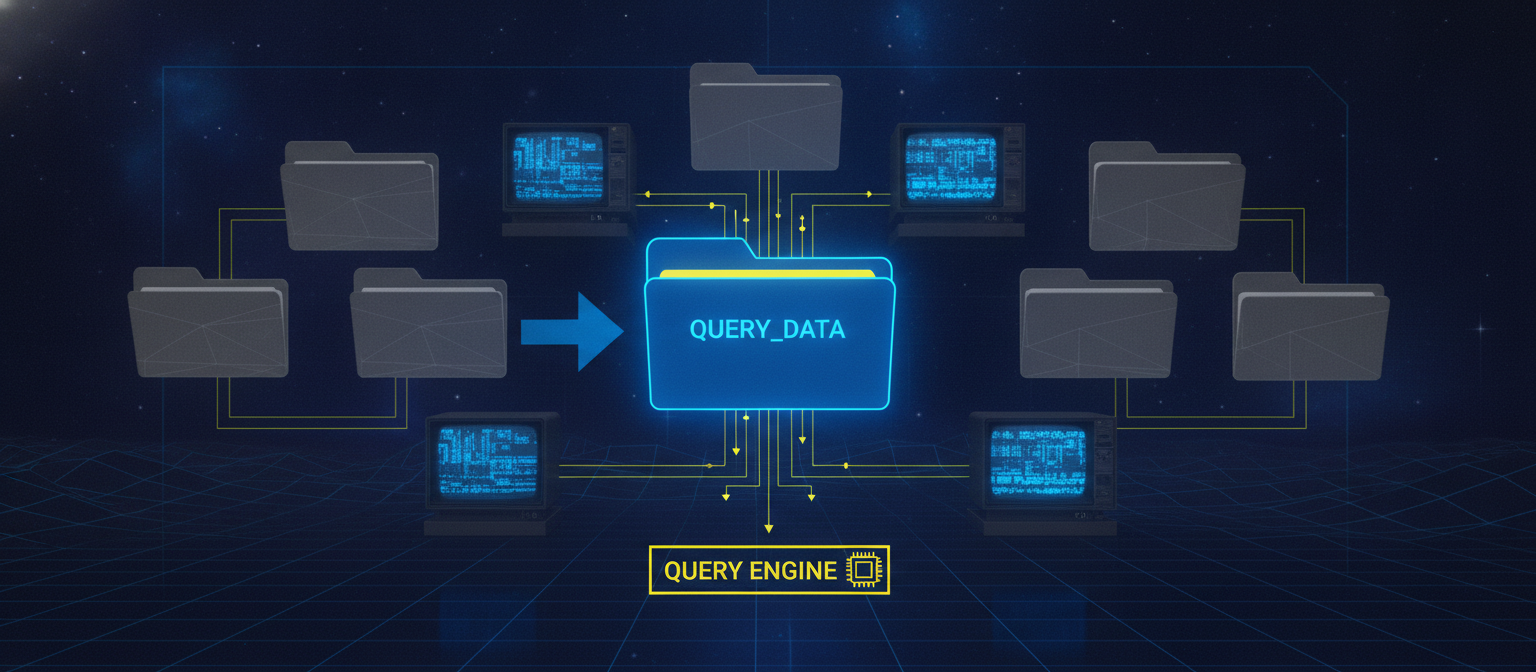
As datasets grow into the petabyte range, choosing the right partitioning strategy becomes one of the most important architectural decisions in ClickHouse®. Well-designed partitions improve query performance, simplify data lifecycle management, reduce maintenance overhead, and make large analytical workloads significantly more efficient. On the other hand, poor partitioning choices can lead to excessive numbers of parts, slower merges, increased storage overhead, and degraded query performance.
Unlike traditional relational databases, ClickHouse® partitions are not indexes. They are primarily a data management mechanism that determines how data is physically organized on disk. Understanding this distinction is essential when designing schemas for large-scale deployments.
In this article, we'll explore advanced partitioning strategies, discuss common design patterns used in production environments, and examine best practices for managing petabyte-scale tables.
Understanding Partitions in ClickHouse®
Every MergeTree table stores data as immutable parts.
When a PARTITION BY expression is defined, ClickHouse® groups parts into logical partitions.
For example:
CREATE TABLE events
(
    event_time DateTime,
    user_id UInt64,
    country LowCardinality(String),
    event_type String
)
ENGINE = MergeTree
PARTITION BY toYYYYMM(event_time)
ORDER BY (event_time, user_id);
Each month becomes its own partition.
This allows ClickHouse® to:
- Drop old data instantly
- Optimize merges within partitions
- Prune irrelevant partitions during queries
- Manage storage more efficiently
However, partitioning alone does not make queries fast. The sorting key (ORDER BY) is still the primary mechanism for efficient data retrieval.
Why Partitioning Becomes Critical at Petabyte Scale
At small scales, inefficient partitioning may only waste some storage.
At petabyte scale, it can impact:
- Merge performance
- Metadata size
- Disk utilization
- Query planning
- Background processing
- Backup and restore times
- Replication efficiency
A poor partitioning strategy may generate millions of tiny parts, overwhelming background merge operations and increasing query overhead.
Conversely, partitions that are too large can make data management tasks such as retention and deletion more expensive.
Finding the right balance is essential.
Choosing the Right Partition Key
Selecting an appropriate partition key is the most important design decision.
A good partition key should:
- Align with common query patterns
- Support retention policies
- Produce a manageable number of partitions
- Avoid excessive fragmentation
- Simplify operational maintenance
Time-based partitioning is the most common strategy because many analytical workloads naturally query data over time ranges.
Examples include:
PARTITION BY toYYYYMM(event_time)PARTITION BY toYYYYWW(event_time)PARTITION BY toDate(event_time)The appropriate granularity depends on data volume and retention requirements.
Daily partitions may work well for very high-ingestion workloads, while monthly partitions are often sufficient for moderate data volumes.
Multi-Dimensional Partitioning
Large organizations frequently manage data across multiple regions, business units, or tenants.
In such cases, composite partition keys can reduce operational complexity.
Example:
PARTITION BY (
    region,
    toYYYYMM(event_time)
)
or
PARTITION BY (
    tenant_id,
    toYYYYMM(event_time)
)
This enables independent lifecycle management for each tenant or region while preserving efficient pruning for time-based queries.
However, high-cardinality columns should be avoided in partition keys. Using values such as user_id or device_id can create an excessive number of partitions, increasing metadata overhead and reducing merge efficiency.
Partition Pruning
One of the primary performance benefits of partitioning is partition pruning.
When a query includes filters that match the partition key, ClickHouse® can skip entire partitions without reading them from disk.
For example:
SELECT count()
FROM events
WHERE event_time >= '2026-01-01'
  AND event_time < '2026-02-01';
If the table is partitioned by month, ClickHouse® only scans the relevant monthly partition instead of the entire dataset.
Partition pruning significantly reduces disk I/O and query execution time, particularly for time-series workloads.
Partition Lifecycle Management
Partitions simplify large-scale data management.
Instead of deleting billions of individual rows, entire partitions can be removed instantly.
Examples include:
- Data retention
- Archiving
- Tiered storage
- Backup strategies
For example:
ALTER TABLE events
DROP PARTITION '202501';
This metadata operation is significantly faster than executing large DELETE statements.
Similarly, partitions can be moved between storage volumes using storage policies, allowing older data to reside on lower-cost disks while keeping recent data on faster storage.
Monitoring Partition Health
Large deployments should continuously monitor partition-related metrics.
Useful system tables include:
system.partssystem.part_logsystem.mergessystem.detached_parts
Key indicators include:
- Active part count
- Partition count
- Average part size
- Merge backlog
- Detached parts
- Disk utilization
Monitoring these metrics helps identify partitioning problems before they impact production workloads.
Common Partitioning Mistakes
Even experienced teams encounter partitioning issues.
Common mistakes include:
- Partitioning by high-cardinality columns
- Creating daily partitions for low-volume tables
- Ignoring retention policies
- Using partitioning instead of an appropriate sorting key
- Creating thousands of tiny partitions
- Frequently dropping small partitions
Understanding workload characteristics before designing a schema helps avoid these pitfalls.
Best Practices for Petabyte-Scale Deployments
For very large ClickHouse® clusters, consider the following recommendations:
- Keep partition keys low in cardinality.
- Design partitions around retention requirements.
- Use the sorting key to optimize query performance.
- Monitor active part counts regularly.
- Avoid over-partitioning.
- Test partitioning strategies with realistic production workloads.
- Use storage policies for hot and cold data.
- Review partition distribution as data volumes evolve.
Partitioning decisions made early in a project's lifecycle can have long-term implications for performance and operational efficiency.
Final Thoughts
Partitioning is one of the foundational design decisions in ClickHouse®, especially for petabyte-scale analytical systems. A well-designed partition strategy enables efficient data lifecycle management, reduces maintenance costs, and improves query performance through effective partition pruning. At the same time, choosing the wrong partition key can create operational challenges that become increasingly difficult to correct as data grows.
Rather than treating partitioning as a performance optimization in isolation, it should be considered alongside sorting keys, storage policies, merge behavior, and expected query patterns. Together, these design choices determine how efficiently ClickHouse® scales to handle massive datasets.
To learn more about operating and monitoring ClickHouse® clusters, explore CH-Ops.