Introduction
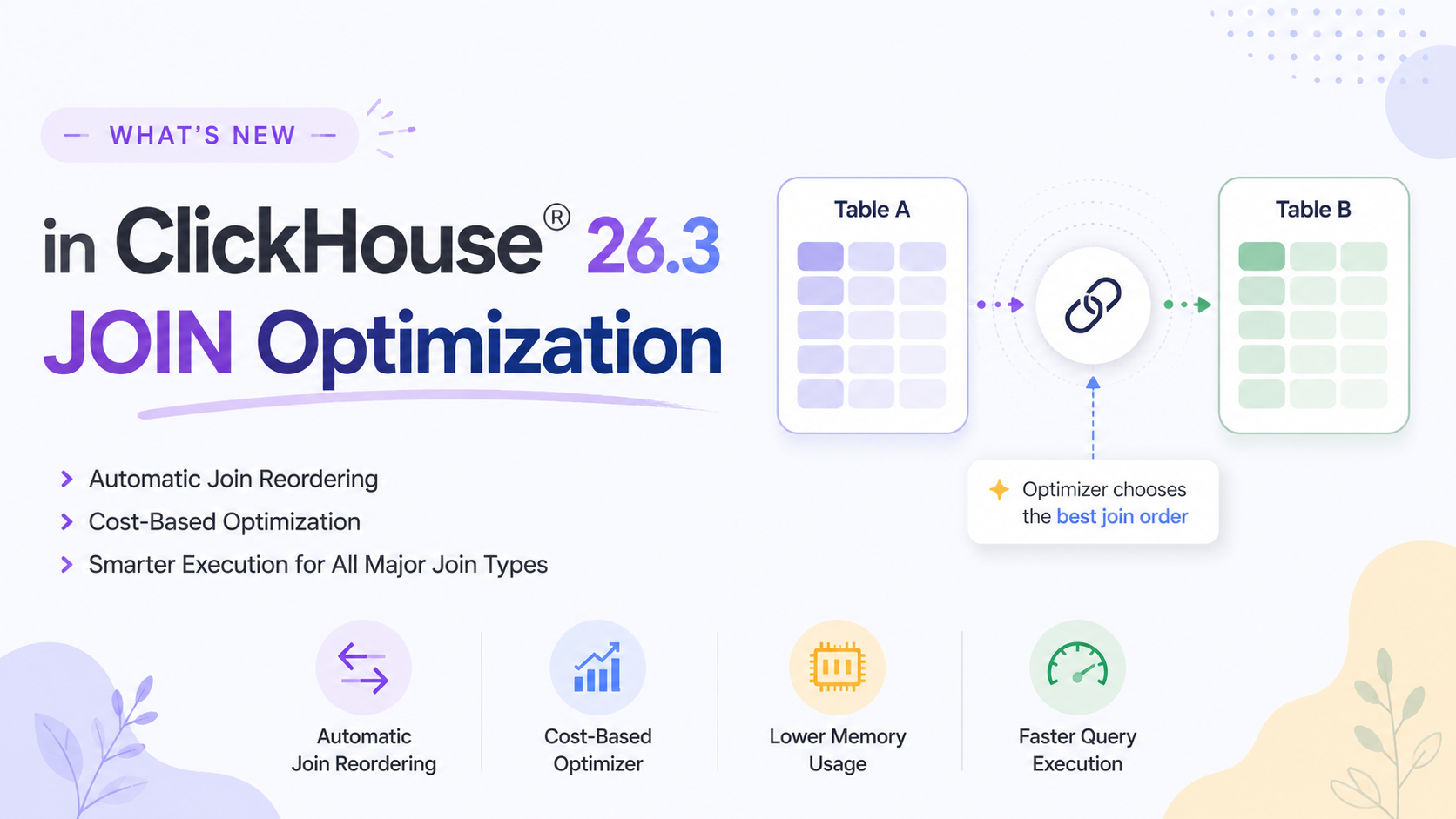
Joins are one of the most performance-sensitive operations in any analytical database. ClickHouse® has continuously improved its JOIN execution engine and ClickHouse® 26.3 extends JOIN optimization by enabling automatic join reordering for additional JOIN types, including ANTI, SEMI, and FULL joins.
Before 26.3, automatic JOIN reordering only applied to INNER and LEFT/RIGHT joins. Now the optimizer can swap the sides of ANTI, SEMI, and FULL joins based on table statistics, choosing the most efficient join order automatically.
In this blog, we'll cover how JOIN reordering works in ClickHouse®, what changed in 26.3, the difference between Inner and Outer joins, and best practices for writing efficient JOIN queries.
Understanding JOIN Types
Before discussing optimization, let's briefly review the difference between INNER and OUTER joins.
| Join Type | Returns |
|---|---|
| INNER JOIN | Only matching rows from both tables |
| LEFT OUTER JOIN | All rows from the left table plus matching rows from the right |
| RIGHT OUTER JOIN | All rows from the right table plus matching rows from the left |
| FULL OUTER JOIN | All rows from both tables |
| LEFT SEMI JOIN | Left rows that have a match (no right columns) |
| LEFT ANTI JOIN | Left rows that have NO match (no right columns) |
Sample Tables
We'll use two simple tables throughout all examples:
Customers
CREATE TABLE default.customers (
    customer_id UInt32,
    name String
) ENGINE = MergeTree()
ORDER BY customer_id;

INSERT INTO default.customers VALUES
(1, 'Alice'),
(2, 'Bob'),
(3, 'Charlie');
Orders
CREATE TABLE default.orders (
    order_id UInt32,
    customer_id UInt32,
    amount Float64
) ENGINE = MergeTree()
ORDER BY order_id;

INSERT INTO default.orders VALUES
(101, 1, 1200.00),
(102, 2, 450.00);
Notice that Charlie (customer_id = 3) has no orders - this difference will show up clearly across the JOIN examples below.
1. INNER JOIN
Returns only rows that have a match in both tables. Rows without a match on either side are excluded.
SELECT
    c.customer_id,
    c.name,
    o.order_id,
    o.amount
FROM default.customers AS c
INNER JOIN default.orders AS o
    ON c.customer_id = o.customer_id;
Result:
| customer_id | name | order_id | amount |
|---|---|---|---|
| 1 | Alice | 101 | 1200.00 |
| 2 | Bob | 102 | 450.00 |
Charlie is excluded because no matching order exists.
Use when: You only want rows with absolute matches in both datasets.
2. LEFT OUTER JOIN
Returns all rows from the left table and matching rows from the right table. If there is no match on the right side, NULL values are returned for the right table columns.
SELECT
    c.customer_id,
    c.name,
    o.order_id,
    o.amount
FROM default.customers AS c
LEFT JOIN default.orders AS o
    ON c.customer_id = o.customer_id;
Result:
| customer_id | name | order_id | amount |
|---|---|---|---|
| 1 | Alice | 101 | 1200.00 |
| 2 | Bob | 102 | 450.00 |
| 3 | Charlie | NULL | NULL |
Every customer is preserved. Charlie appears with NULL values because he has no orders.
Use when: You want all rows from the left table regardless of whether a match exists on the right.
3. RIGHT OUTER JOIN
Returns all rows from the right table and matching rows from the left table.
SELECT
    c.customer_id,
    c.name,
    o.order_id,
    o.amount
FROM default.customers AS c
RIGHT JOIN default.orders AS o
    ON c.customer_id = o.customer_id;
Result:
| customer_id | name | order_id | amount |
|---|---|---|---|
| 1 | Alice | 101 | 1200.00 |
| 2 | Bob | 102 | 450.00 |
In this case all orders have matching customers, so no NULLs appear.
Use when: You want all rows from the right table regardless of whether a match exists on the left.
4. FULL OUTER JOIN
Returns all rows from both tables. Where there is no match, NULL values fill in the missing side.
SELECT
    c.customer_id,
    c.name,
    o.order_id,
    o.amount
FROM default.customers AS c
FULL OUTER JOIN default.orders AS o
    ON c.customer_id = o.customer_id;
Result:
| customer_id | name | order_id | amount |
|---|---|---|---|
| 1 | Alice | 101 | 1200.00 |
| 2 | Bob | 102 | 450.00 |
| 3 | Charlie | NULL | NULL |
Every customer and every order appears, with NULL where there is no match on either side.
Use when: You need a complete consolidated view of both tables to catch omissions on either side.
5. LEFT SEMI JOIN
Returns rows from the left table that have at least one matching row in the right table but does not include any columns from the right table. It is more efficient than INNER JOIN when you only need to check for existence.
SELECT
    c.customer_id,
    c.name
FROM default.customers AS c
LEFT SEMI JOIN default.orders AS o
    ON c.customer_id = o.customer_id;
Result:
| customer_id | name |
|---|---|
| 1 | Alice |
| 2 | Bob |
Charlie is excluded because he has no orders. Notice only left table columns are returned, no order details. This is more memory efficient than INNER JOIN when you do not need right table columns.
Use when: You only need to check if a match exists and do not need columns from the right table.
6. LEFT ANTI JOIN
Returns rows from the left table that have no matching row in the right table. It is the opposite of SEMI JOIN.
SELECT
    c.customer_id,
    c.name
FROM default.customers AS c
LEFT ANTI JOIN default.orders AS o
    ON c.customer_id = o.customer_id;
Result:
| customer_id | name |
|---|---|
| 3 | Charlie |
Only Charlie is returned because he is the only customer with no matching order. This is a clean and efficient way to find records that do NOT exist in another table.
Use when: Finding orphaned records, data quality checks, or identifying customers who have not placed an order.
Side by Side Comparison
Using the same customers and orders tables, here is how each JOIN type handles Charlie (no orders) and the existing orders:
| JOIN Type | Alice (has order) | Bob (has order) | Charlie (no order) |
|---|---|---|---|
| INNER JOIN | Included | Included | ❌ Excluded |
| LEFT JOIN | Included | Included | Included (NULL) |
| RIGHT JOIN | Included | Included | ❌ Excluded |
| FULL OUTER JOIN | Included | Included | Included (NULL) |
| LEFT SEMI JOIN | Included | Included | ❌ Excluded |
| LEFT ANTI JOIN | ❌ Excluded | ❌ Excluded | Included |
What Changed in ClickHouse® 26.3
Historically, ClickHouse queries build an in-memory hash table out of the right-side table of a join. If your query placed a multi-gigabyte table on the right and a tiny lookup table on the left, it consumed immense amounts of memory and risks running Out-Of-Memory (OOM).
Prior to 26.3, the query optimizer automatically swapped sides only for INNER and LEFT/RIGHT joins. If you wrote an inefficient ANTI, SEMI, or FULL join order, ClickHouse executed it exactly as typed unless manually reordered.
Starting with 26.3, the optimizer evaluates table statistics to safely swap the sides of SEMI, ANTI, and FULL joins.
--- 26.3 can automatically reorder this query layout to optimize memory
SELECT c.customer_id, c.name
FROM default.customers AS c
LEFT ANTI JOIN default.orders AS o
    ON c.customer_id = o.customer_id;
Previously this had to be written manually in the correct order. Now ClickHouse® handles it automatically.
Activating Automatic Reordering
To take full advantage of cost-based JOIN reordering in ClickHouse® 26.3, it is recommended to collect column statistics on:
- JOIN key columns
- Frequently filtered columns
These statistics help the optimizer estimate data distribution, cardinality, and filter selectivity, enabling it to choose a more memory-efficient join order for supported JOIN types, including INNER, LEFT, ANTI, SEMI, and FULL joins.
Recommended Statistics
- TDigest – Captures data distribution, quantiles, and value ranges. The optimizer uses this information to estimate how many rows are likely to pass through filters before the JOIN is executed.
- Uniq – Estimates the number of distinct values (cardinality). This helps the optimizer predict JOIN selectivity and build more efficient hash tables.
- CountMinSketch (Optional) – Useful when queries frequently filter or join on exact values (for example,
WHERE col = 'value'). It provides approximate frequency estimates using a fixed amount of memory.
--- Track statistics on the actual join key columns
ALTER TABLE default.orders ADD STATISTICS customer_id TYPE tdigest;

--- Materialize the statistics so the optimizer can use them
ALTER TABLE default.orders MATERIALIZE STATISTICS customer_id;
Performance Tips & Best Practices
1. Use SEMI JOIN instead of INNER JOIN when you don't need right table columns
-- Less efficient
SELECT c.customer_id FROM customers c
INNER JOIN orders o ON c.customer_id = o.customer_id;

-- More efficient
SELECT c.customer_id FROM customers c
LEFT SEMI JOIN orders o ON c.customer_id = o.customer_id;
2. Use ANTI JOIN instead of NOT IN
-- Slow on large tables
SELECT customer_id FROM customers
WHERE customer_id NOT IN (SELECT customer_id FROM orders);

-- Faster
SELECT customer_id FROM customers
LEFT ANTI JOIN orders USING (customer_id);
3. Always put the smaller table on the right
For older ClickHouse® versions, placing the smaller table on the right was often recommended. With ClickHouse® 26.3, the optimizer can automatically reorder eligible joins, reducing the need for manual optimization in many cases.
-- Good: small reference table on the right
SELECT * FROM large_orders o
JOIN small_products p ON o.product_id = p.product_id;
4. Verify Execution Logic with EXPLAIN
EXPLAIN
SELECT
    c.customer_id,
    c.name
FROM default.customers c
LEFT ANTI JOIN default.orders o
    ON c.customer_id = o.customer_id;
Final Thoughts
Understanding JOIN types is fundamental to writing correct and efficient ClickHouse® queries. INNER JOIN, LEFT JOIN, and FULL OUTER JOIN cover most use cases, but SEMI and ANTI joins are powerful tools that are often overlooked. They are more memory efficient than equivalent INNER JOIN queries and significantly faster than NOT IN subqueries on large tables.
ClickHouse® 26.3's extension of automatic JOIN reordering to SEMI, ANTI, and FULL joins means the optimizer can now handle a wider range of query patterns automatically, giving you good performance without requiring manual query rewriting.