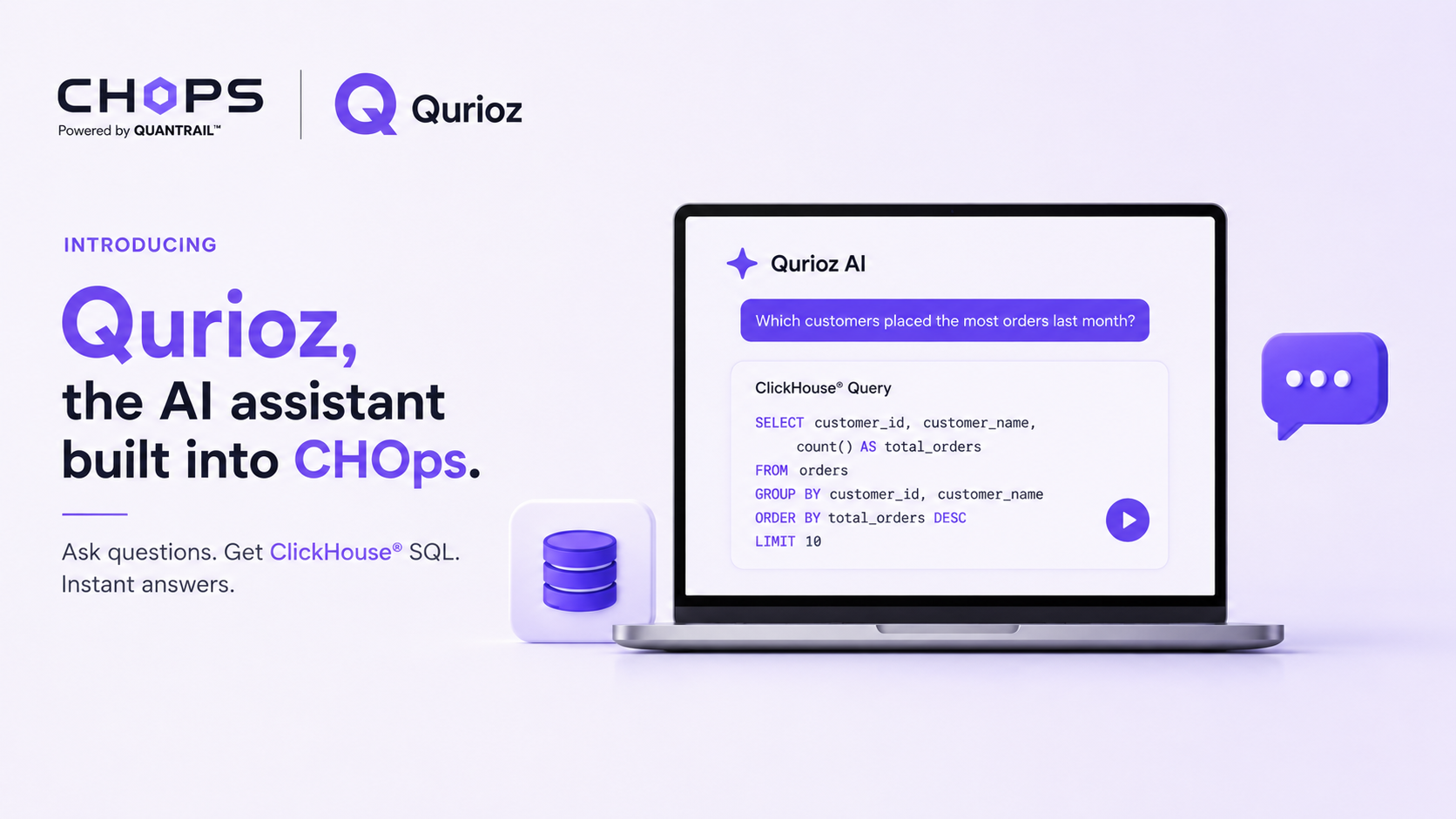
I was skeptical about AI SQL generation for a long time. Most of it produced generic SQL that ignored the things that make ClickHouse® fast, or hallucinated functions that do not exist. The version we ended up building for CHOps is different in one important way: it knows your schema and it knows ClickHouse®. That changes it from a party trick into something I use most days.
Here is an honest look at what it does, where it helps, and where you still need to know SQL.
What plain-English generation actually means
In the CHOps SQL editor you can describe what you want, and it generates a ClickHouse® query against your real tables. Not a generic template. It reads your schema, so it knows your column names, your types, and your table engines, and it writes SQL that fits them.
For example, I can ask for "daily active users for the last 30 days from the events table" and get something like:
SELECT
    event_date,
    uniqExact(user_id) AS daily_active_users
FROM analytics.events
WHERE event_date >= today() - 30
GROUP BY event_date
ORDER BY event_date;
Notice it used uniqExact rather than COUNT(DISTINCT ...). That is a ClickHouse®-aware choice. It picked the right table because it read the schema, and it filtered on event_date because it saw that was the partitioning column. Generic SQL generators do not do this.
Where it genuinely saves time
The biggest win is the queries you half-remember. I know ClickHouse® has a function for nearly everything, but I cannot hold all of them in my head. Things like funnel analysis with windowFunnel, retention with retention, or quantiles with quantileTDigest are exactly the kind of thing I describe in English and let it draft, then refine.
It is also a good teacher. When it generates a query using a function I have not used, I learn something. I have picked up several ClickHouse® idioms just from reading what it produced and asking myself why that was faster.
And for analysts on the team who know what they want but are not fluent in ClickHouse® SQL, it lowers the barrier. They describe the question, get a working draft, and run it. They learn the SQL by reading it rather than starting from a blank editor.
Where you still need to think
I want to be clear: this does not replace knowing SQL. For anything touching performance, you still need to understand your primary key and how ClickHouse® reads data. The generator writes correct SQL, but correct is not always optimal. A query that scans the whole table will run, and the generator might give it to you, but you are the one who knows that filtering on the primary key first would make it a hundred times faster.
So I treat the output as a strong first draft. It gets the logic and the function names right, which is most of the typing. Then I apply what I know about the data to make it fast. If you want to go deeper on that part, I wrote a whole post on debugging slow ClickHouse queries.
How I use it in practice
My workflow is simple. For a brand new query against tables I do not know well, I describe it in English and let the generator draft it. For a query I will run a lot, I refine that draft by hand and bookmark it. For exploratory work where I am not sure what I am looking for yet, I go back and forth, describing variations and reading what comes back.
The point of AI generation in a SQL editor is not to stop writing SQL. It is to spend less time on the mechanical part, looking up function names and column spellings, and more time on the actual question. For that, having a generator that understands ClickHouse® and your schema makes all the difference. The SQL editor page shows how it fits with the rest of the editor.